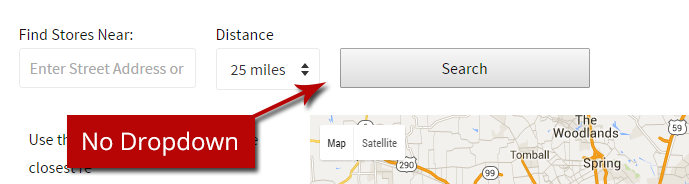
Limit The Number Of Results Shown During A Search
You may have a need to limit the number of results returned from a search to a set/specific number.
In our example below, we will show you how to limit the result dropdown to a single number, and then hide that dropdown.
Step 1: Limit Results Dropdown to a Single Option
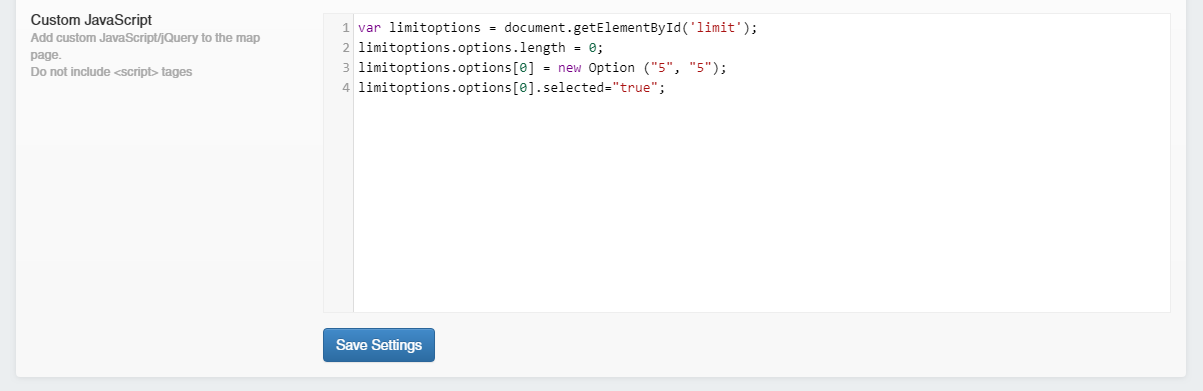
You can limit the number of results shown by adding the following code to the "Custom JavaScript" field in the advanced settings.
Result:
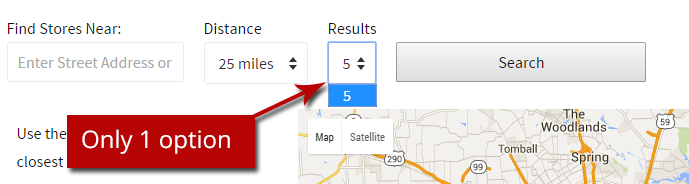
This will remove all of the default options and replace it with a option that will only return 5 locations.
Step 2: Hide the Number of Results Drop Down
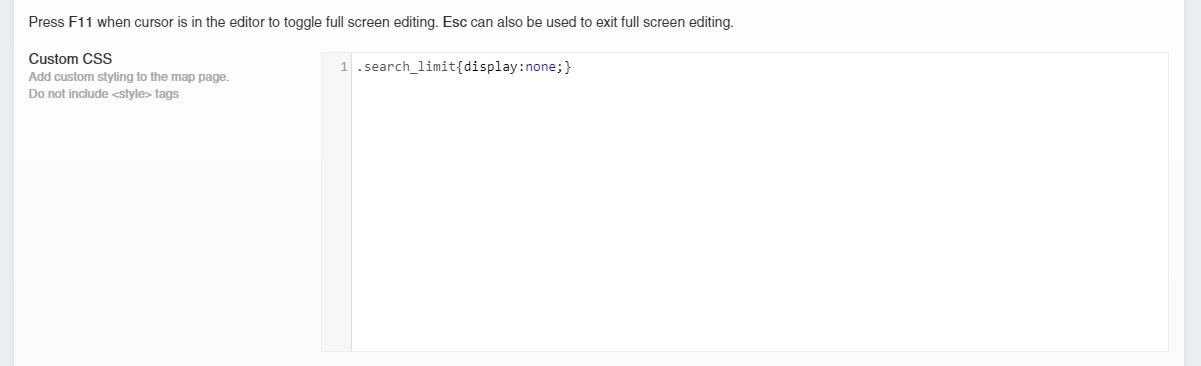
If you choose, you can also hide the results drop down by adding the following style to the "Custom CSS" field in the advanced options
Result: