
Embed Store Locator On Regular Shopify Page
This tutorial shows you how to add the store locator map to a regular Shopify page. Instead of using the app proxy page.
1) Create a regular Shopify page via Online Store > Pages
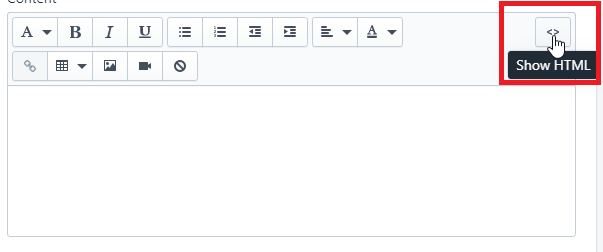
2) Edit HTML by clicking <> button in top right of editor
2) Edit HTML by clicking <> button in top right of editor
3) Paste the code below into the text area:
Feel free to edit default-distance, distances, and search-limit.
- Default Distance is the radius distance from the center of the search. Any location within this radius will show.
- Search Limit is the maximum number of locations that will be returned. Around 50 is a good number